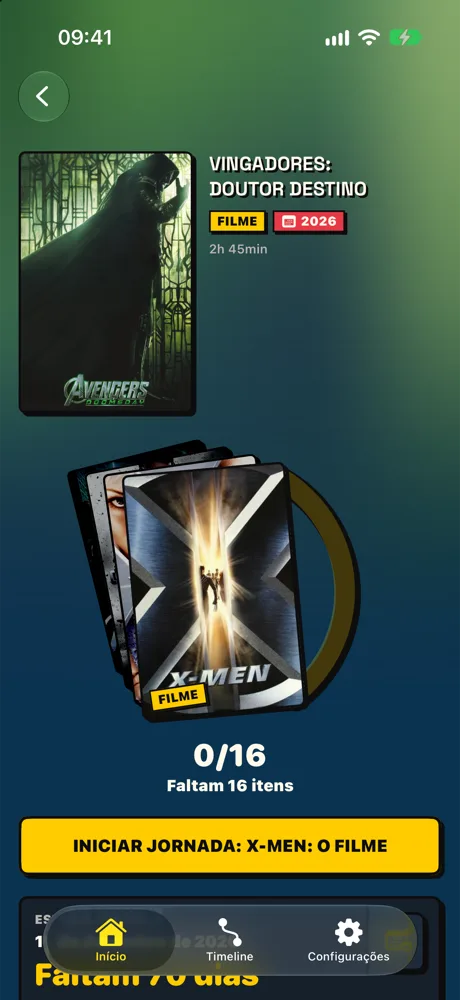
Pick the movie or series you want to see and UP shows, in order, what to watch before it, how much is left and where you stopped.
Coming soon to the App Store For iPhoneHow it works
The idea behind UP
What should I watch now, why, and how far am I from being ready?
Every fan, before every release. UP exists to answer that.
The problem
Cinematic universes never stop growing: dozens of films, series, specials and parallel continuities. If you missed the start, are short on time, or just want to understand the next release, you end up lost between lists, forums and spoilers.
The twist
Instead of listing everything, UP starts from a destination: the release you want to be ready for. From there it builds the path, with only what matters along the way.
The result
You know what to watch now, what's still missing, and you mark what you've already seen. The progress is yours and needs no sign-up: when the destination arrives, you arrive with it.
How it works
From destination to “I'm ready”.
1
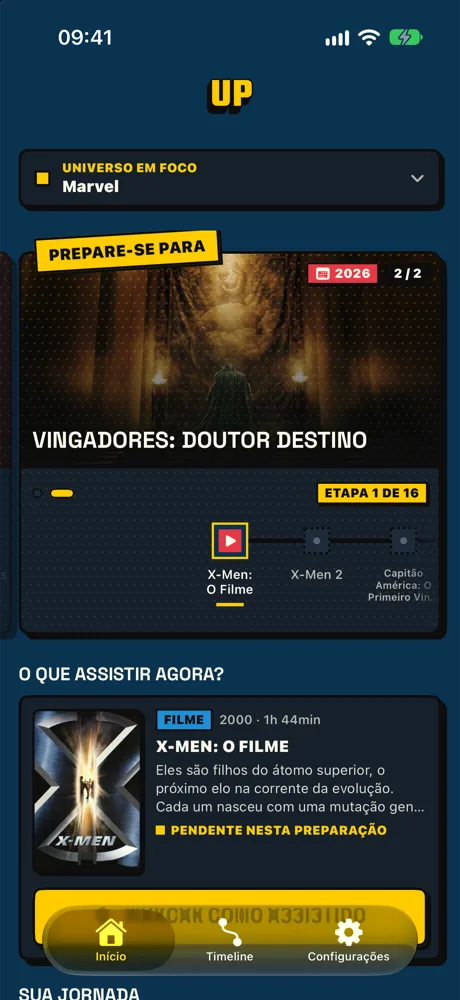
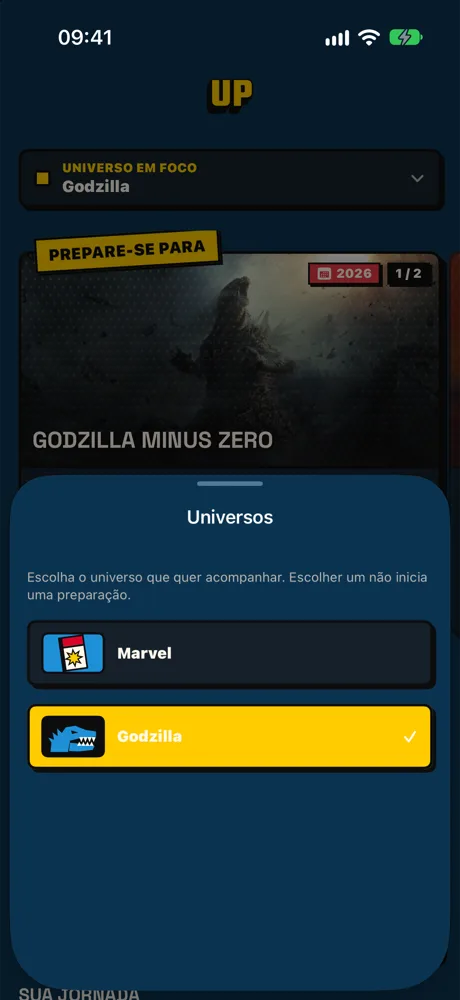
Pick the universe in focus
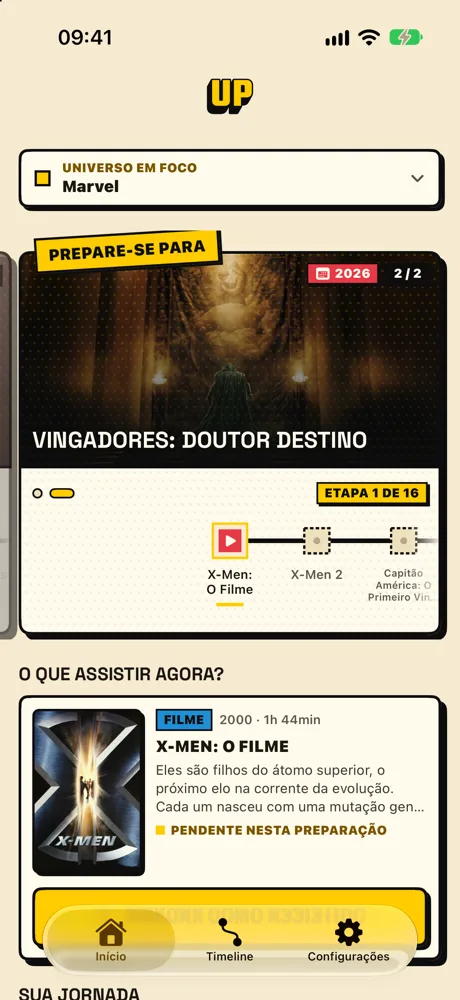
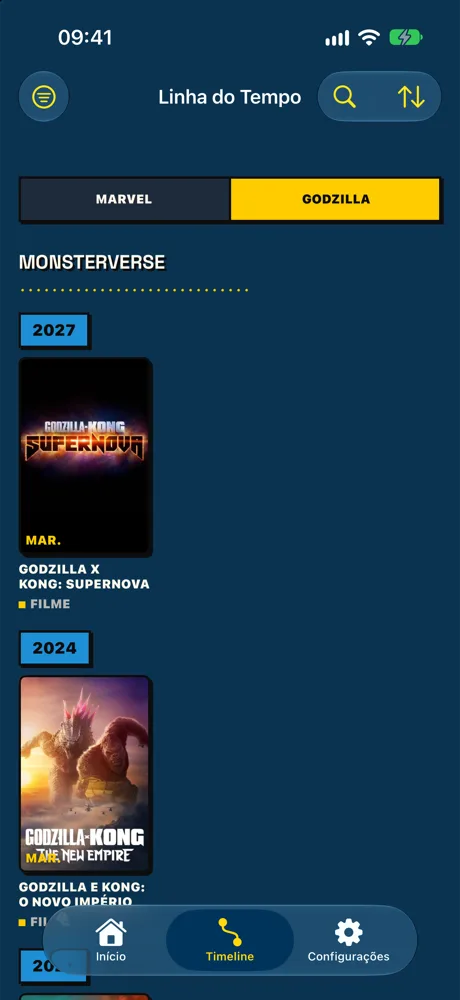
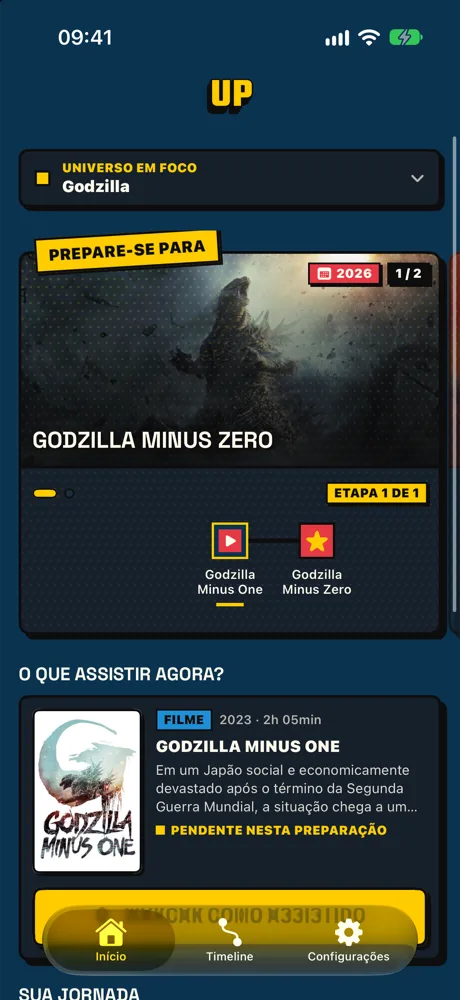
Marvel and Godzilla are already in the app. UP shows one universe at a time, so Home, Timeline and journeys all tell the same story.
2
Set your destination
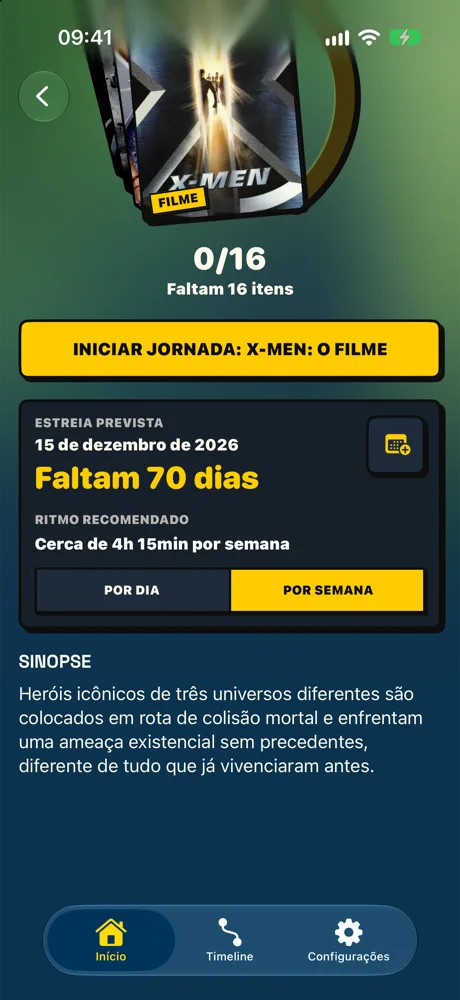
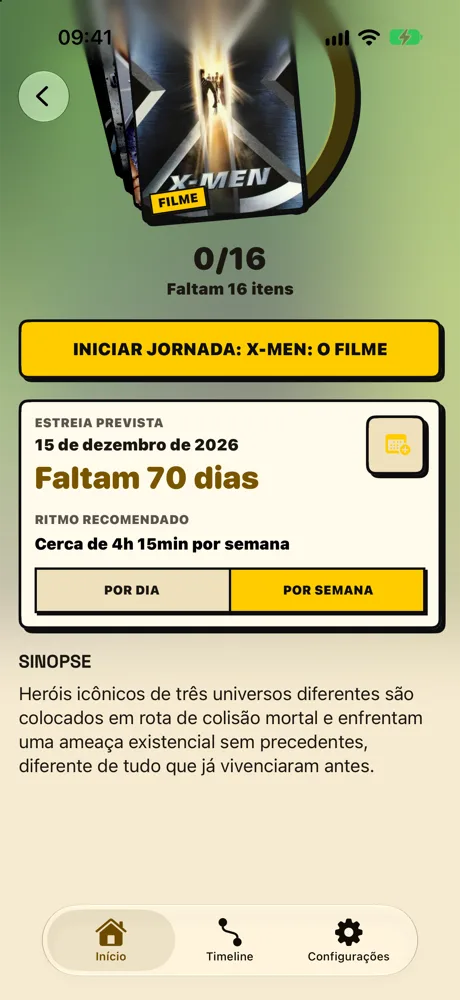
Each destination has its own page: the release, how many items are left and a suggested pace per day or per week. The poster deck shows what's still pending on your way.
3
Follow the journey, step by step
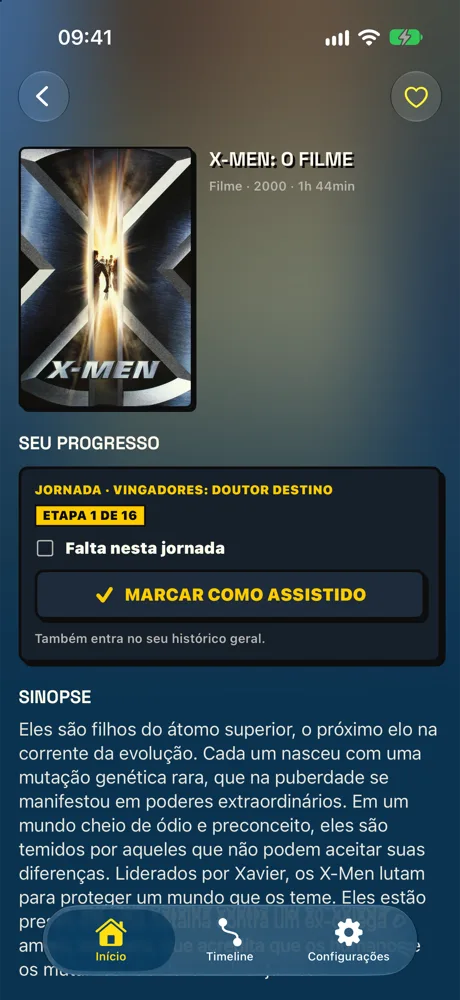
Home shows the step for right now, the trail to the destination and what comes next. Finished a movie? One tap on “Mark as watched” and the journey moves on.
4
Every title, in the context of your journey
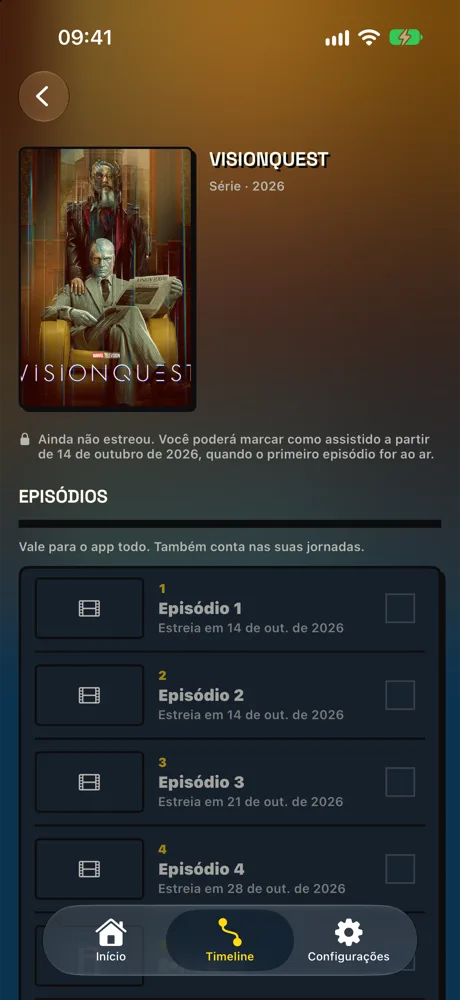
Each film's page brings the synopsis and your progress in one place. Series count by season, with episodes in sight. And if something hasn't been released yet, the app tells you when you can mark it, without giving anything away.
Features
For watching, not for managing lists.
Curated journeys
The selection and order of each journey are editorial, made by hand, not an automatic list of everything that exists.
Your history counts
What you've already watched counts as done in journeys, no rewatching. If you prefer, turn it off in Settings and count only what you mark inside each journey.
Release-order timeline
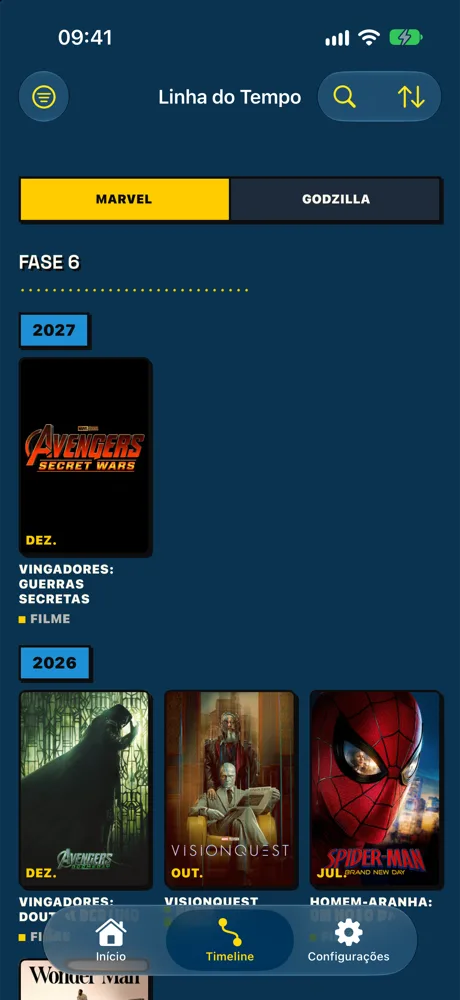
The whole universe catalog by date, with filters, sorting and a search that understands original titles and nicknames in several languages.
No jumping the gun
A film or season that hasn't been released stays locked, and the app shows when you'll be able to mark it. Your progress reflects what actually exists.
Pace and countdown
See how long until the release and how much to watch per day or per week to get there on time.
No account, no login
Your progress stays on the device and syncs through your iCloud across your devices. No sign-up, no password.
Portuguese and English
Night mode and comic-paper mode
Home Screen widget
Universes
Two universes to start with.
UP bets on editorial depth in a few universes, instead of trying to cover all of cinema.
Marvel
The MCU and the related productions that matter for the journeys, including earlier continuities. Current destination: Avengers: Doomsday.
Godzilla
From the classic Toho eras to the MonsterVerse, including Godzilla Minus One and Minus Zero.
Screens
Straight from the app.
Real UP captures on iPhone, in dark and light mode (interface shown in Portuguese). Scroll sideways.